Alternatives to RecordOnce

Research overview

10 alternatives

  1. 1Capture and share screen recordings for documentation and communication

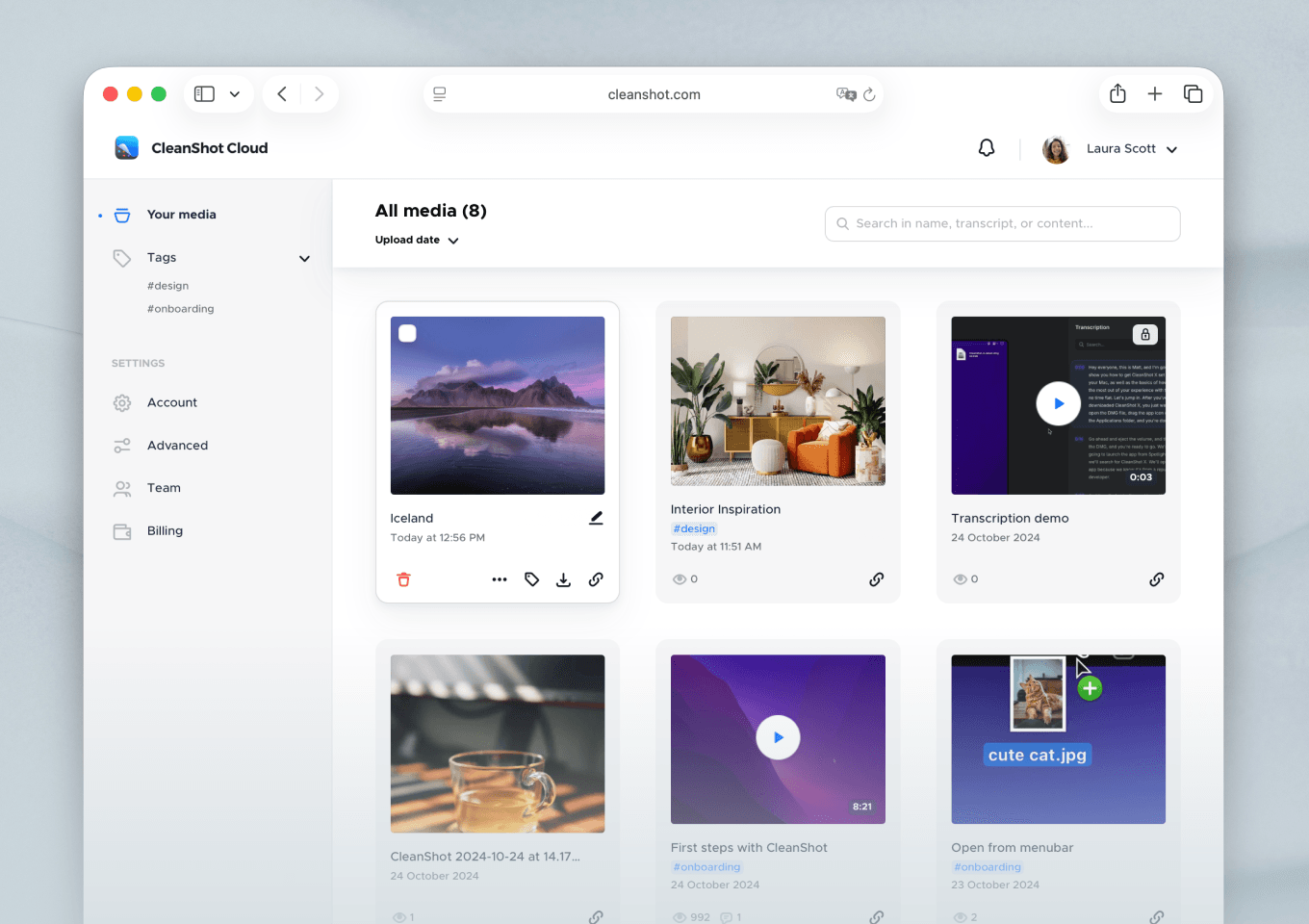
    CleanShot X

    Screen Recording

    Both tools enable screen recording and sharing, but serve different purposes. CleanShot X focuses on screenshot capture, annotation, and quick sharing with cloud hosting, while RecordOnce specializes in creating full video tutorials with AI editing. CleanShot is better for quick visual communication, RecordOnce for comprehensive product documentation.

    ISO 27001GDPRTiered plansScreenshot and AnnotationRemote Work Enablement

    Price$29+ one-time
    Vendor sources: recordonce.com [1]cleanshot.com [2]

    Last verified
  2. 2AI Video Editing, Screen Recording

    Trupeer

    AI Documentation Generators

    AI video documentation tool creating studio-quality tutorials from screen recordings.

    Free planFree trialISO 27001GDPRSOC 2Tiered plans

    Price$49+ / month

  3. 3AI Video Editing, Video Editing

    Typito

    AI Video Editing

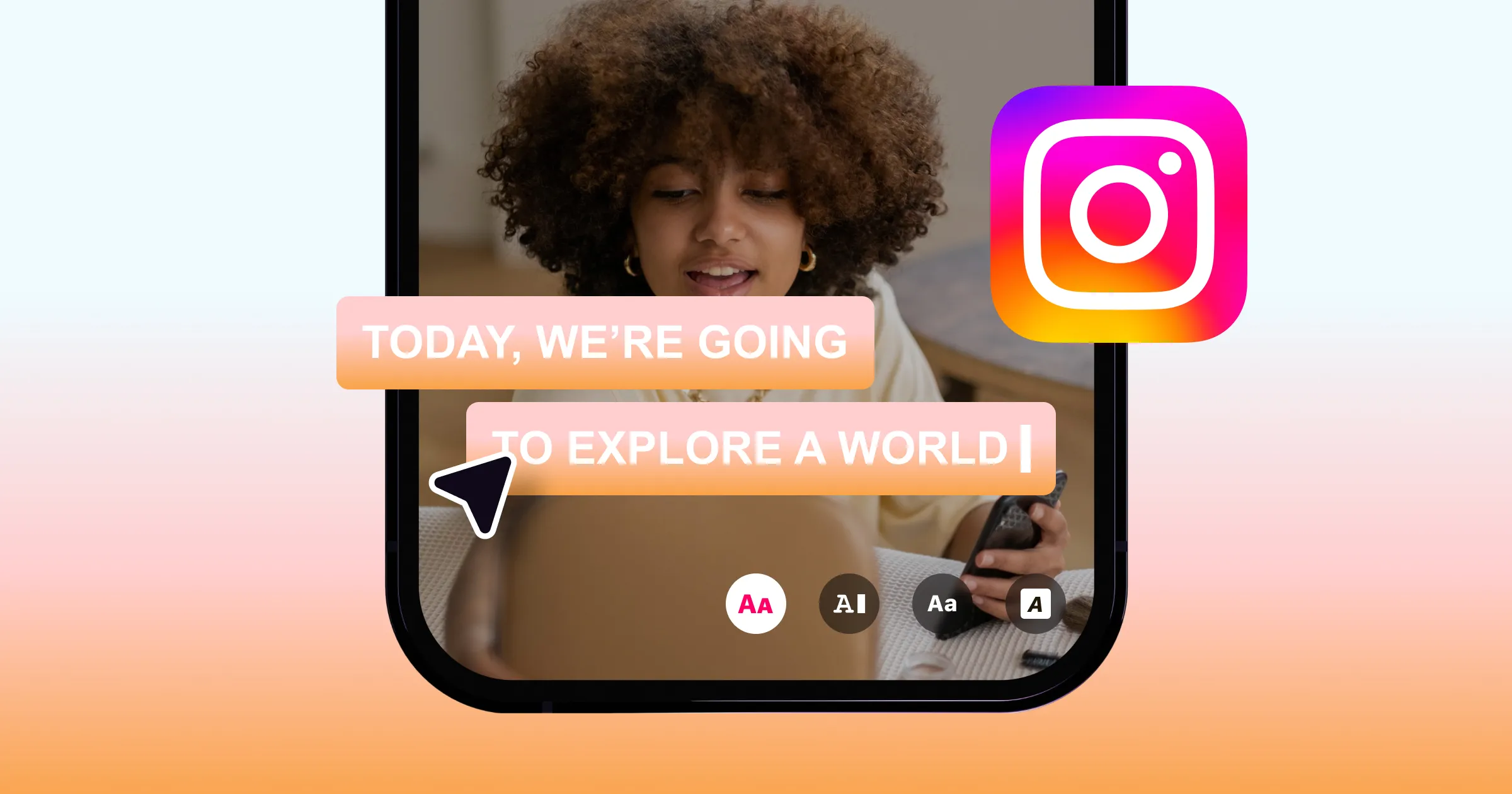
    Online video editor for creating social media videos with text animations, branded templates, and auto-subtitles.

    Free planFree trialTiered plansAI Social Media Content CreationVideo Editing

    Price$15+ / month

  4. 4AI Video Editing, Video Editing

    Clipchamp

    Video Editing

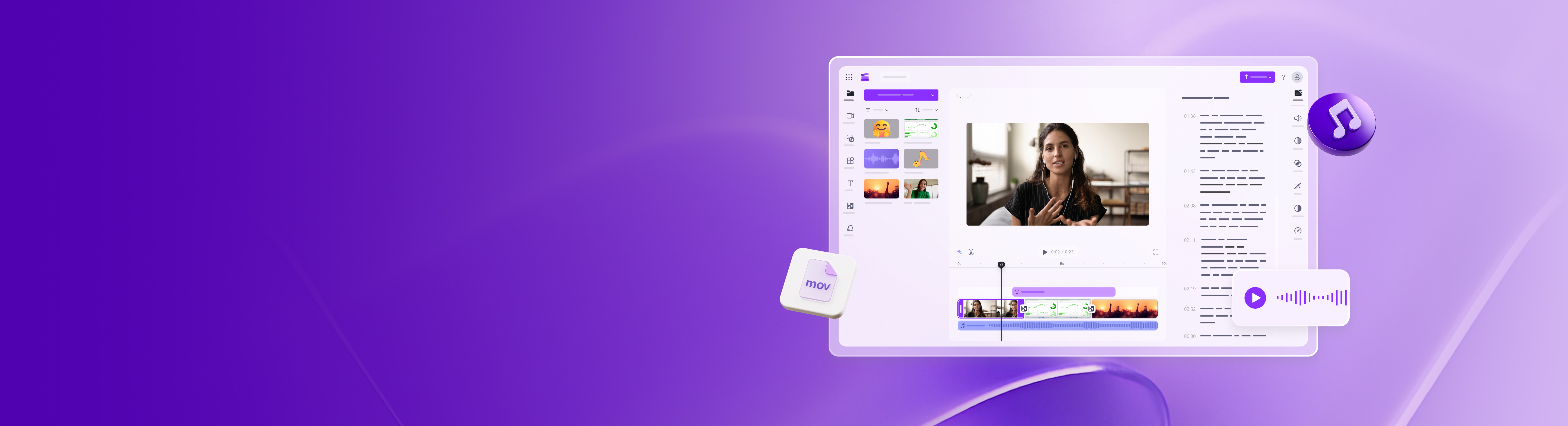
    Clipchamp by Microsoft is a browser-based video editor providing templates, stock footage, text-to-speech, and screen recording for creating professional videos without desktop software.

    AI powered video editing with automatic scene detection and editing suggestionsAutomatic caption and subtitle generation with AI
  5. 5AI Video Editing, Video Editing

    Captions

    AI Video Editing

    Captions is an AI-powered video creation and editing app that automatically generates captions, translations, effects, and edits for social media content creators.

    AI avatar and digital twin creationAutomatic caption and subtitle generationMultilingual video translation
  6. 6AI Video Editing, Screen Recording

    Descript

    AI Video Editing

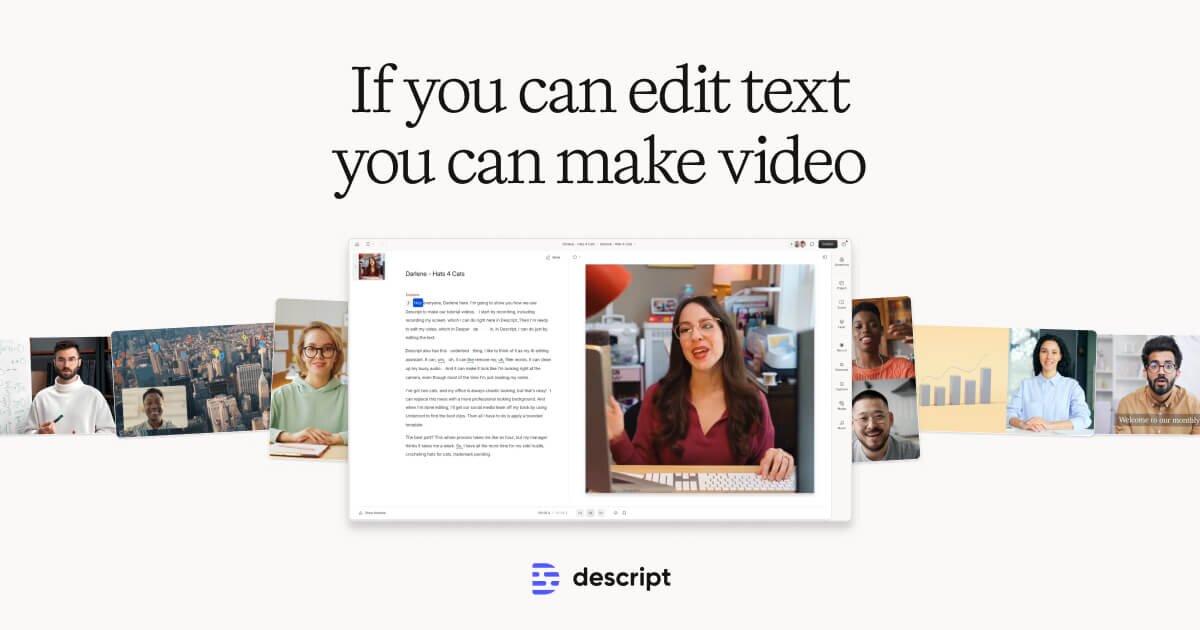
    Descript is an AI-powered audio and video editor that enables users to edit media by editing text transcripts, with features for screen recording, AI voice cloning, filler word removal, and podcast publishing.

    Free planFree trialSOC 2GDPRCCPATiered plans
  7. 7AI Video Editing, Video Editing

    Render AI

    AI Video Editing

    Agentic AI ad creator: generates video, images, voiceover, music, graphics, and animation within an AI-native video editor.

    AI video generation from text briefsMulti language voiceover and captionsBrand and product management

    Price$99+ / month

  8. 8AI Video Editing, Video Editing

    Camtasia

    Video Editing

    Camtasia is a screen recording and video editing software ideal for creating tutorial, training, and promotional videos.

    Multi track screen recording with independent audio layersProfessional video editing with cursor effects and animationsAutomatic multilingual translation and dubbing
  9. 9AI Video Editing, Video Editing

    Submagic

    AI Video Editing

    AI tool that automatically adds captions, emojis, and effects to short-form videos.

    AI caption generation in 123 languagesHigh quality video export

    Price$19 / member / month

    Price position: below the category median.
  10. 10AI Video Editing, Video Editing

    CapCut

    AI Video Editing

    All-in-one video editor from ByteDance with AI-powered features, auto captions, templates, and cloud-based collaborative editing.

    Free planFree trialVideo ProductionVideo Editing

    Price$7.99+ / month